![Prekure word logo green copy-1.png]](https://knowledge.prekure.com/hs-fs/hubfs/Prekure%20word%20logo%20green%20copy-1.png?height=40&name=Prekure%20word%20logo%20green%20copy-1.png)
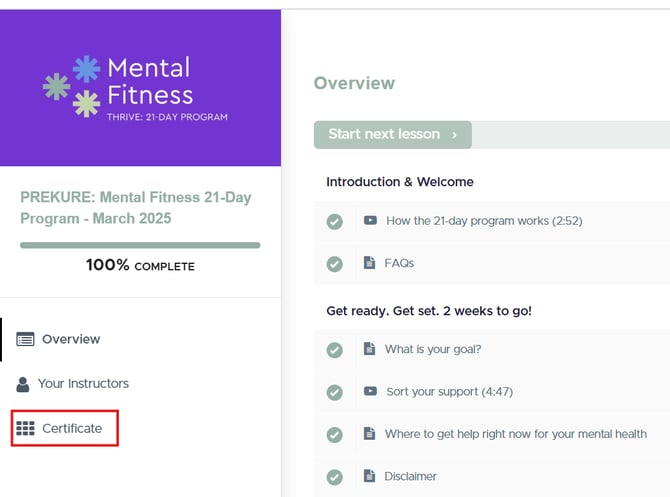
To find your certificate, please go into Teachable, click on the 21 Day Mental Fitness Challenge and then on the Overview Page, you will see on the left hand side, 'Certificate'. You can download it from there.
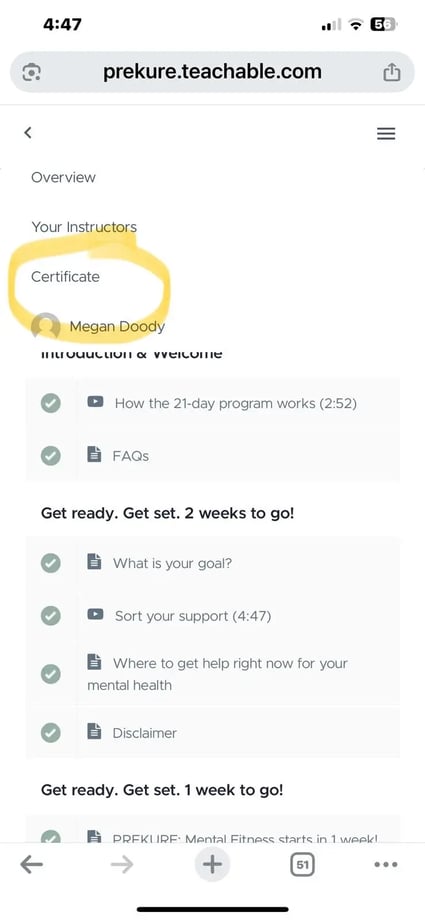
If you are accessing the course on your phone, please click the three bars at the top, then click certificate.