![Prekure word logo green copy-1.png]](https://knowledge.prekure.com/hs-fs/hubfs/Prekure%20word%20logo%20green%20copy-1.png?height=40&name=Prekure%20word%20logo%20green%20copy-1.png)
To sign your student contract, please follow these steps.
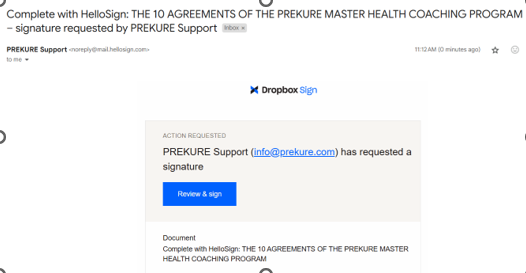
You will receive an email like this, Click Review & Sign
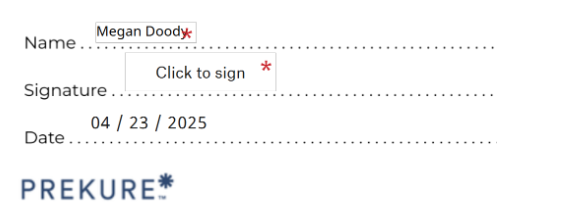
You will then see this - Read the contract to the bottom. Click in the Click to Sign box
Then you will see this screen. Click on 'Type' and type your name in the box.

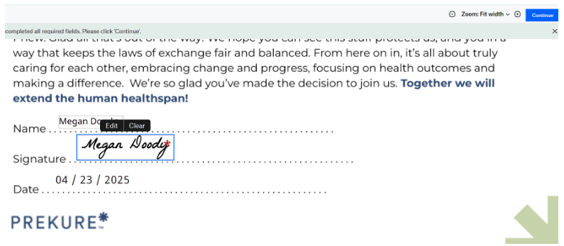
Click Insert then you will see this screen, click Continue in the top right.
Then you will see this - click I agree.

And you are done! Thank you for signing your student contract.